How to use Qara
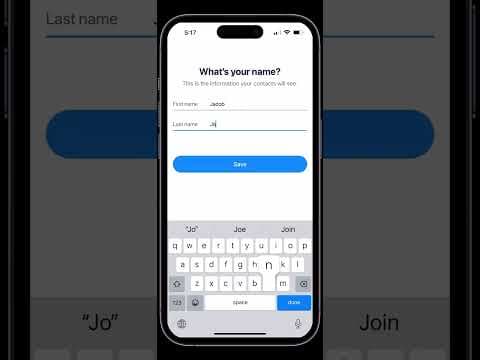
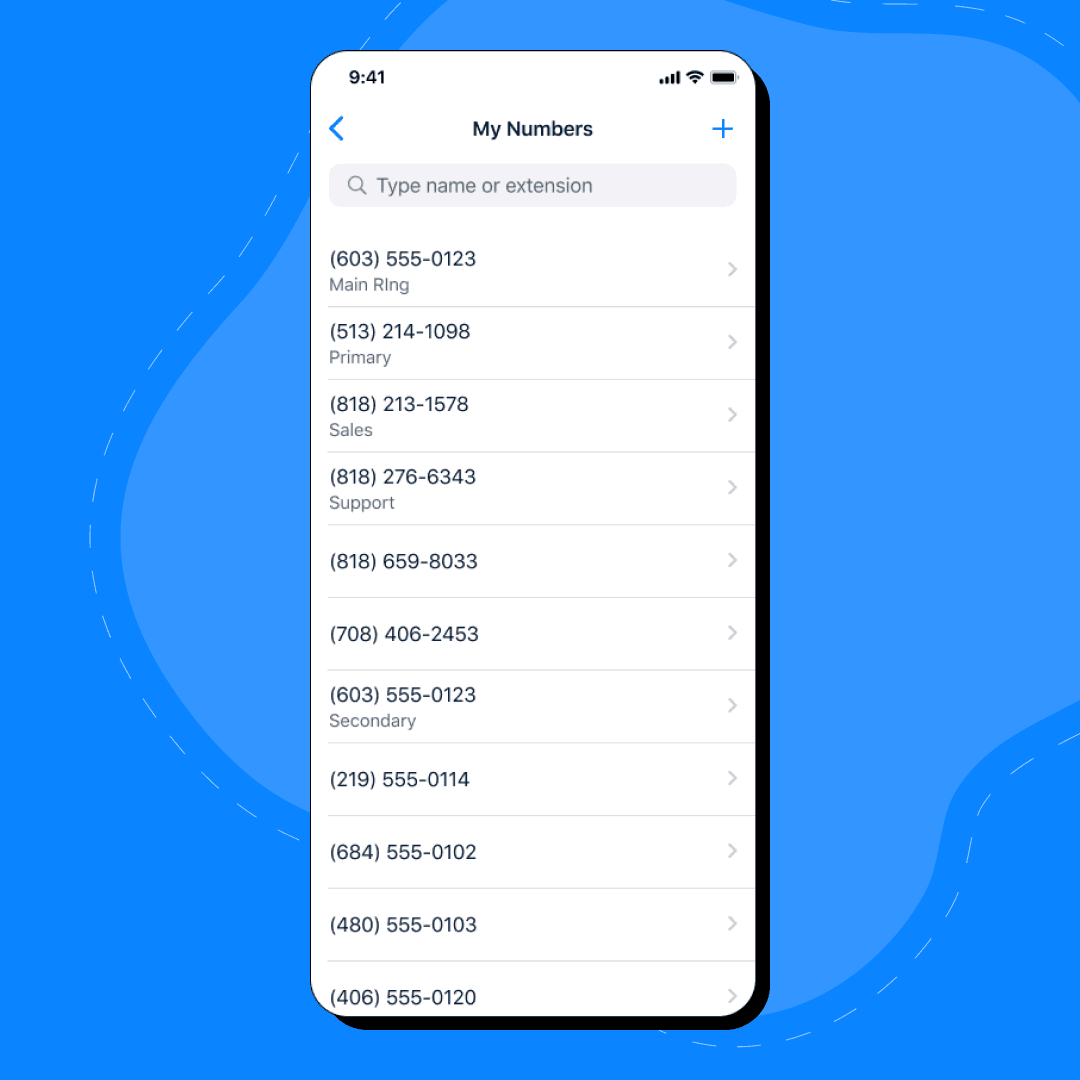
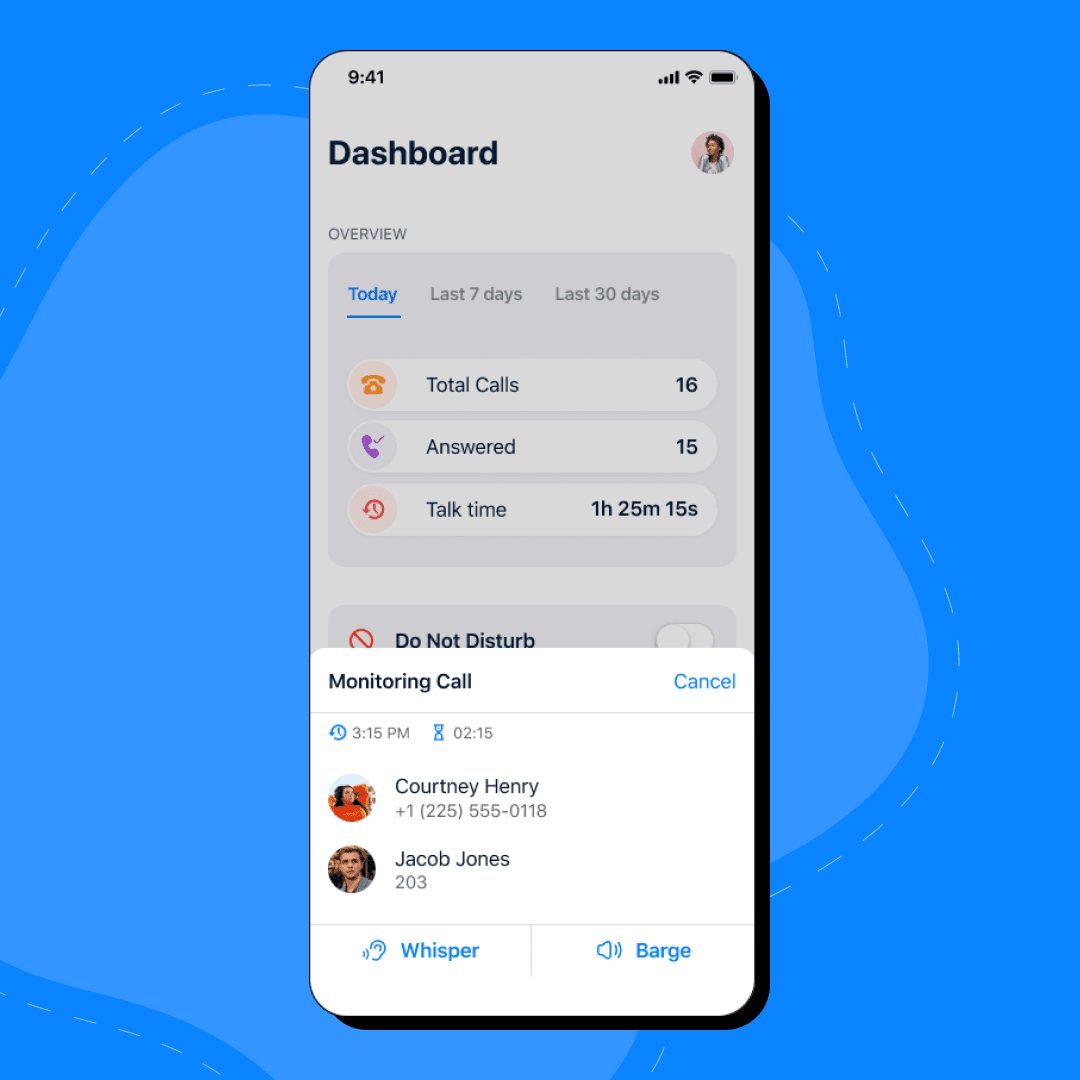
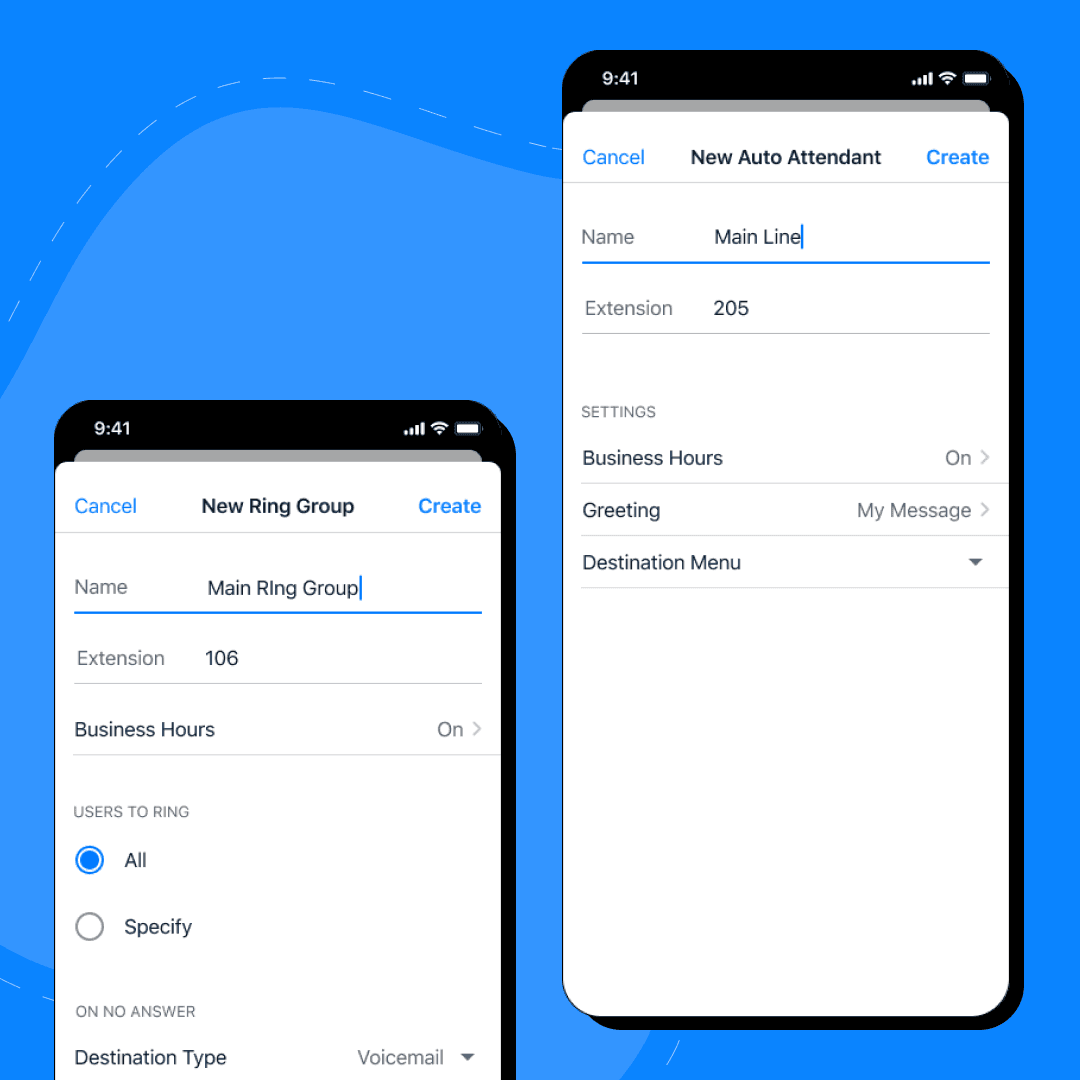
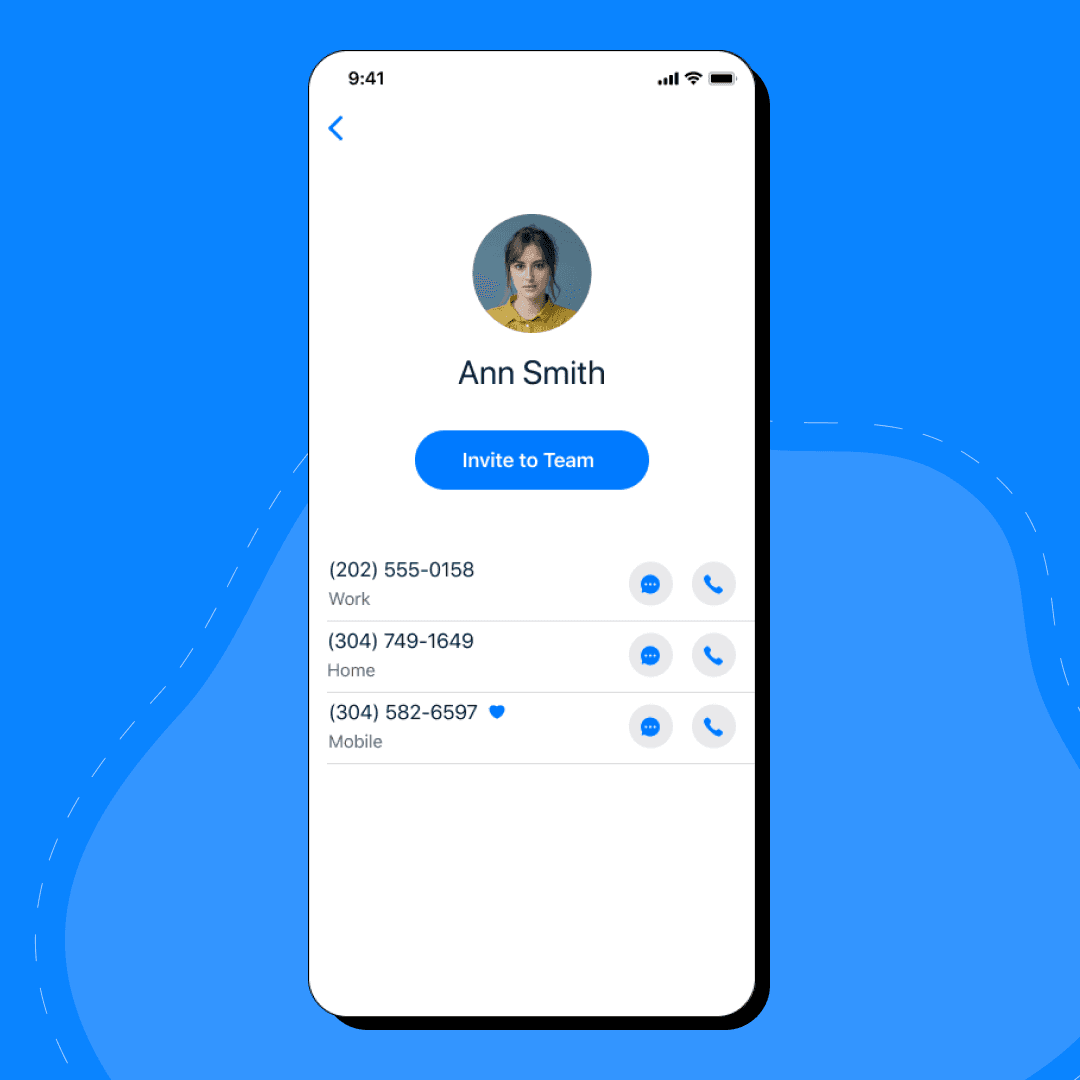
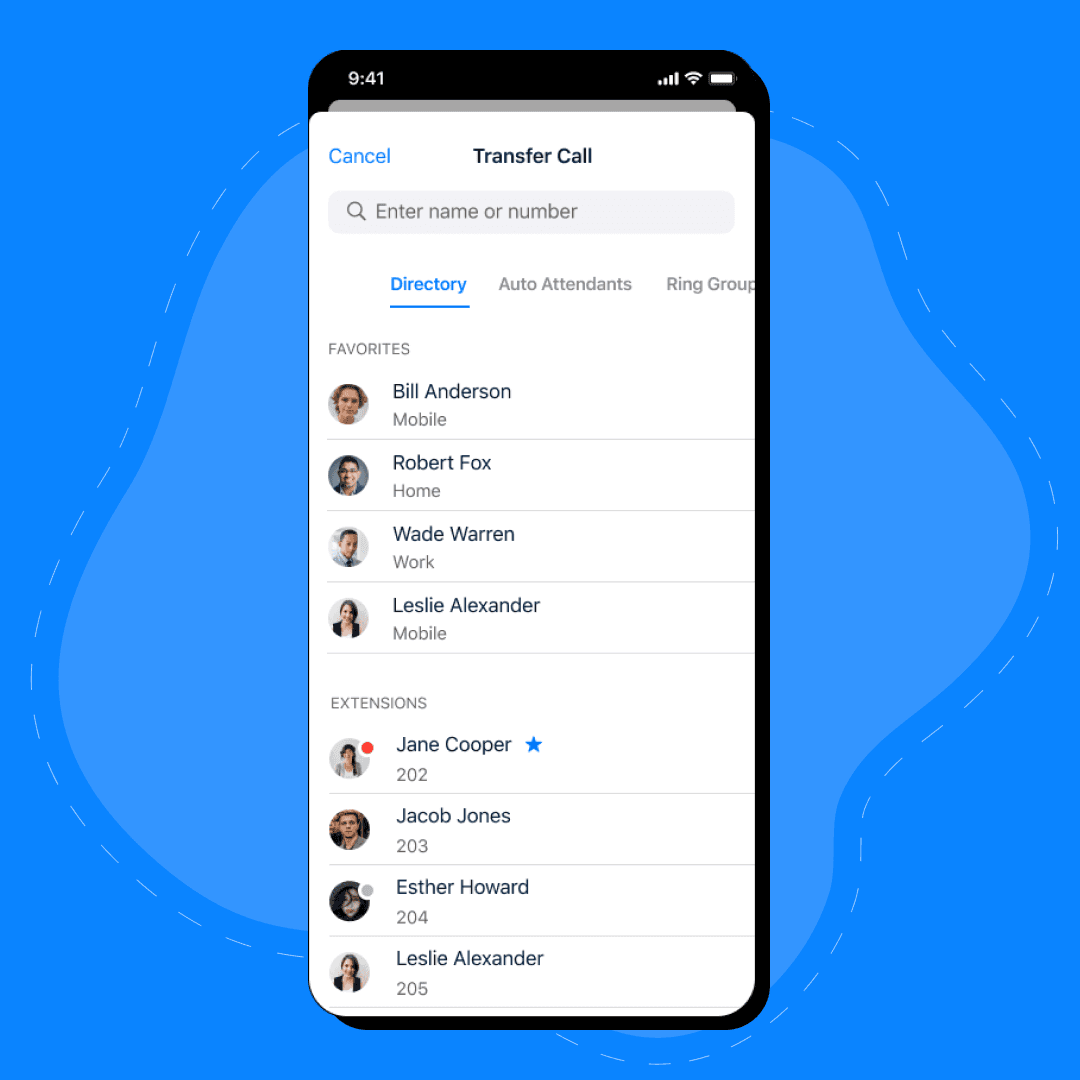
Once you have installed the Qara app, open it and press the "Get Started" button. After you have submitted your phone number, you will receive a verification code. Enter the verification code, and now you can start using the app by choosing a number. To make a call, simply tap on the contact's name and hit the "Call" button, or send a text.